How to generate challenge signature
Overview
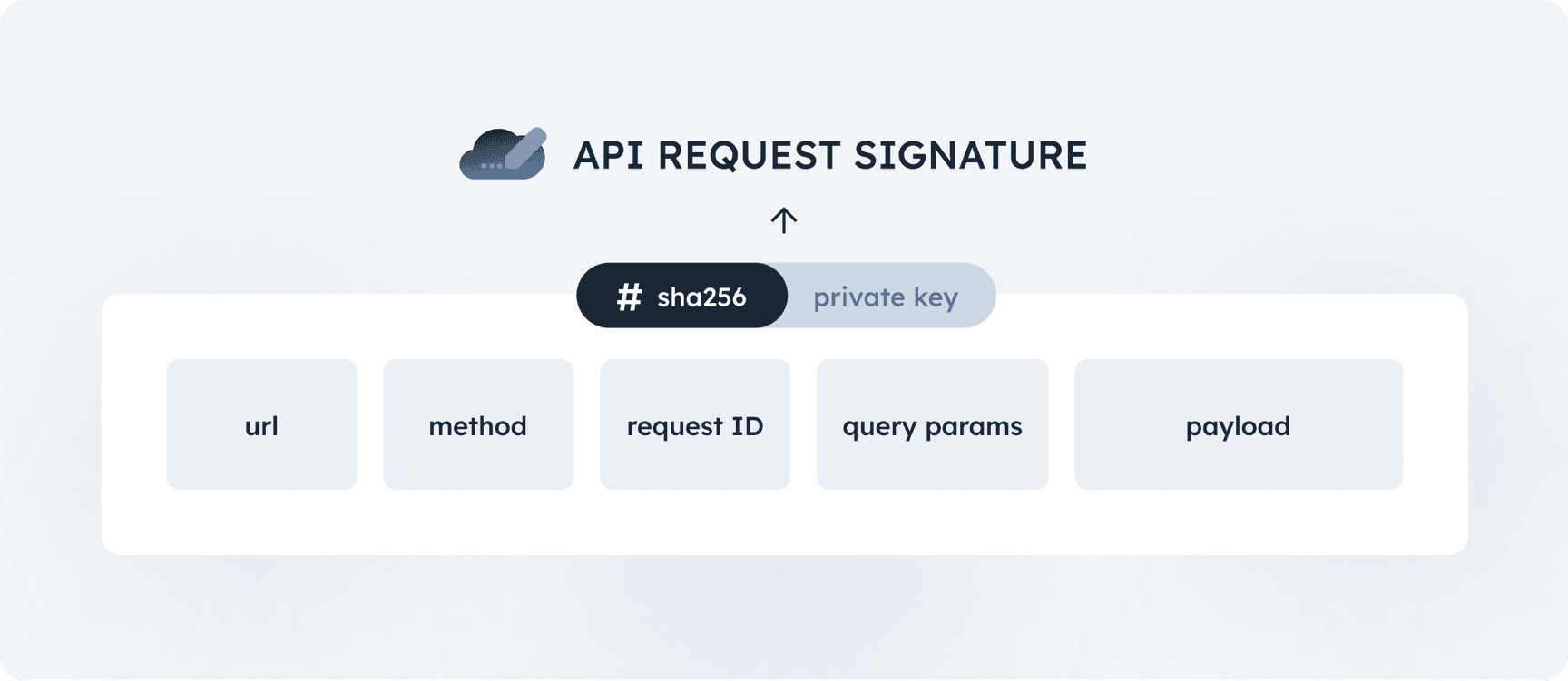
The request signature is generated by computing the SHA-256 hash of concatenated and signed items below (referred to as the request descriptor):
- Challenge PID: The
pidfield from the challenge object - Target: Email or phone numer.
- Private PID
Example code
1234567891011121314151617181920212223242526272829303132333435363738
import base64import hashlibimport canonicaljsonimport datetime
from cryptography.hazmat.primitives.asymmetric import ecfrom cryptography.hazmat.primitives import hashes, serialization
def load_private_key(pem_data):    return serialization.load_pem_private_key(        pem_data,        password=None    )
def sign_challenge(private_key, challengePID, target, privatePID):    hash_elems = [challengePID, target, privatePID]
    descriptor = hashlib.sha256(("".join([elem for elem in hash_elems])).encode()).digest()    signature = private_key.sign(descriptor, ec.ECDSA(hashes.SHA256()))    return base64.b64encode(signature).decode('utf-8')
# read your private key PEM (eg. from file)private_key_pem = b"""-----BEGIN EC PRIVATE KEY-----MHcCAQEEIJG0K4mHabOytzUoHxXwNSRd6JlFW3CulozZKA77RKj2oAoGCCqGSM49AwEHoUQDQgAEWHzPgCkPDKPZ/wCqd7cDj+Bi2P6vk4A/qit/yGjgBKNnZB4QA+ytgq9SJ386/G0Muzqa9k8wbnUe4iQgkp1qgw==-----END EC PRIVATE KEY-----"""
private_key = load_private_key(private_key_pem)

signature = sign_challenge( private_key, "T83H6LH48MMYS497", "example@example.com", "68156984")print("Challenge signature is", signature)Playground
Private key
12345
-----BEGIN PRIVATE KEY-----MIGHAgEAMBMGByqGSM49AgEGCCqGSM49AwEHBG0wawIBAQQgkbQriYdps7K3NSgfFfA1JF3omUVbcK6WjNkoDvtEqPahRANCAARYfM+AKQ8Mo9n/AKp3twOP4GLY/q+TgD+qK3/IaOAEo2dkHhAD7K2Cr1Infzr8bQy7Opr2TzBudR7iJCCSnWqD-----END PRIVATE KEY-----Challenge details
Signature
See below for step-by-step explanation
MEQCIH4v1qtAraufkixiiPemdl9N4lVPmzm2vLB7RJxehBm5AiBvxPVOak1pnW37WTHV6+bcl8gEpseq+urvW5VYOaVNgg==Step-by-Step Explanation
1. Concatenate challenge object PID
String:
T83H6LH48MMYS4972. Concatenate target
Explanation:
Concatenate target: example@example.com
String:
T83H6LH48MMYS497example@example.com3. Concatenate private PID
Explanation:
Concatenate private PID: 68156984
String:
T83H6LH48MMYS497example@example.com681569844. Create a SHA-256 hash of the concatenated string
The concatenated string is hashed using the SHA-256 algorithm.Explanation:
Apply the SHA-256 algorithm to the value obtained from the previous step.
String:
c48047eec5965666b2291260cad7ab73f512b6f1e98b2923139d5496eccef3b25. Sign the hash and encode the signature with Base64
The hash is digitally signed using your private key and the SHA-256 algorithm. The resulting signature is then encoded using Base64 for transmission in the headers.Explanation:
Sign the hash generated in the previous step with your private key, and encode the resulting signature using Base64.
Final signature:
MEQCIH4v1qtAraufkixiiPemdl9N4lVPmzm2vLB7RJxehBm5AiBvxPVOak1pnW37WTHV6+bcl8gEpseq+urvW5VYOaVNgg==On this page


Narvi Payments Oy Ab is an Authorized Electronic Money Institution (EMI). Narvi’s EMI license is granted by the Finnish Financial Supervisory Authority (FIN FSA) with the registration number 3190214-6. Narvi’s license is Passportised to all European Union countries.
© 2026 Narvi. All Rights Reserved.v1.325.0